My share link says 'come back soon'
The link resolves, but there's nothing live behind it. Usually the presentation is back in Draft. The other causes, and what each one looks like.
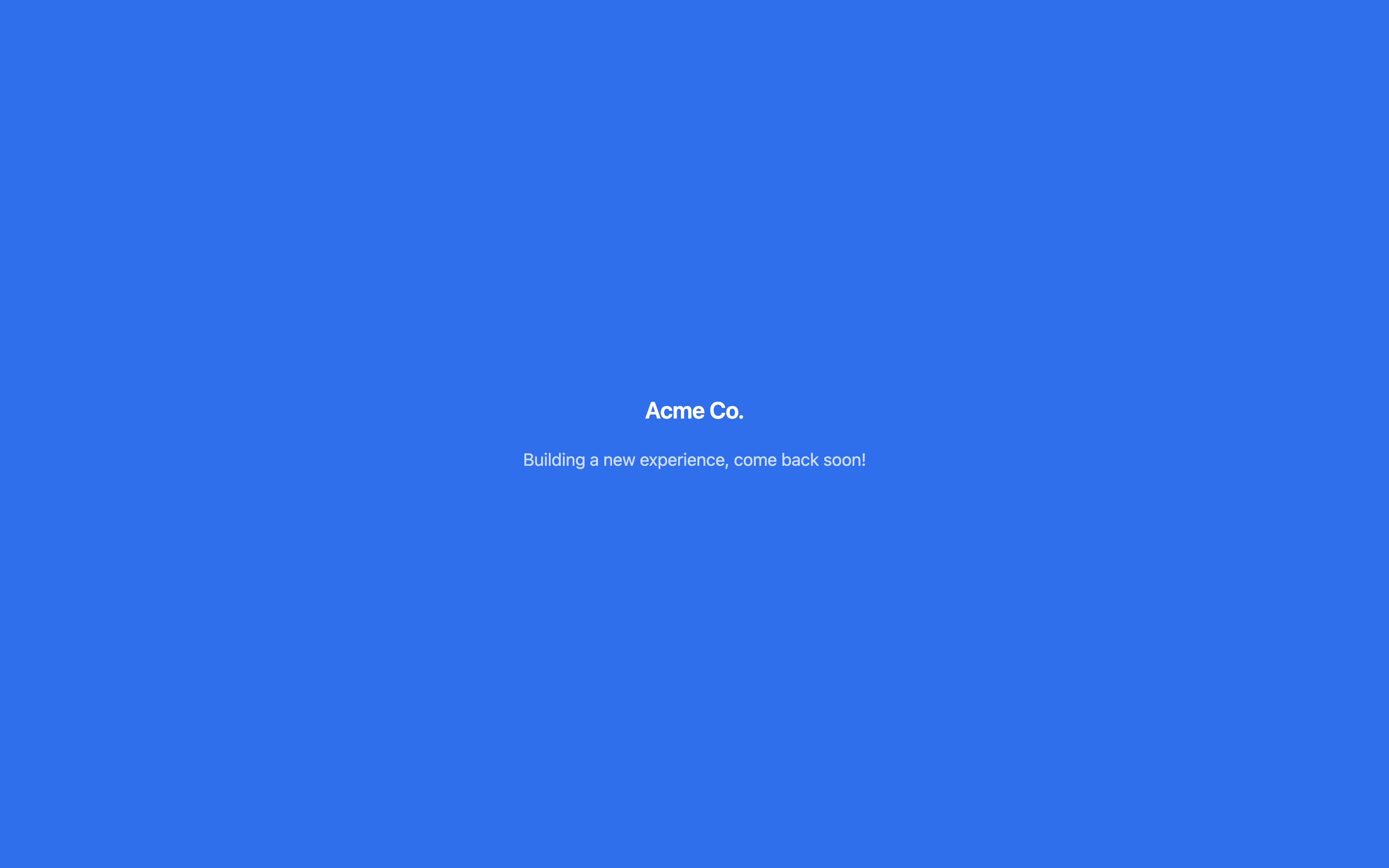
Building a new experience, come back soon! means the link is real, but there's nothing live behind it right now. Most often the presentation has been switched back to Draft while it's being revised. When it goes live again, the same link starts working, so you don't need to send a new one.
Which message am I looking at?
There are two messages, and they mean different things.
| Message | What it means |
|---|---|
| Building a new experience, come back soon! | There's nothing to show at this address right now. See the causes below. |
| This experience is being updated. Please check back shortly. | The presentation is live, but its content couldn't be loaded at that moment. Reload in a minute. If it stays, tell Bridger. |
Both pages are deliberately calm, because the person opening the link may be a prospect. Neither tells the viewer why.
What causes "come back soon"?
Check these in order. Most need Bridger to fix, and none need a new link unless the step says so.
- The presentation is in Draft. Open it in your workspace. If it says This deck isn't live yet, it's in Draft. Bridger moves presentations between Draft and Live, usually during a revision. Every link already sent keeps working again once it's back to Live.
- The link was deleted. Someone used Delete link on it in the share panel. That's permanent: Anyone holding it loses access, and its recorded sessions are removed. Send the person a new link.
- The link has expired or was switched off. A link can carry an expiry date, and Bridger can switch off a single link without touching the others. Ask Bridger to lift it, or send a new link.
- The presentation was made private after this link went out. A private presentation only opens through named links that carry the recipient's email, so its public link, standard links and links with no email show this page. Make the person a named link with their email in the Share dialog instead.
- The presentation was archived. Archived presentations aren't live. Choose Restore from Archived in your Library. A restored presentation comes back as a Draft, so ask Bridger to make it live again.
The page has no logo on it
The "come back soon" page normally shows your workspace's logo on your brand color. A plain page with no branding means the address doesn't match any link at all: it was mistyped, cut off when it was copied, or belongs to a link that was deleted. Copy the link again from the share panel.
Less likely causes
- Embedded on your website. An embed works the same way. If the presentation is in Draft, the frame on your page shows the same message.
- A password page or a code page instead. Password required and This project is private aren't errors. They're access controls on the presentation. See Who can see a share link.
For how links work in general, see Sharing a project.
This did not answer your question? Email hello@bridgercreative.com.