Where are my practice recordings stored?
In your browser, on the device you recorded on, and nowhere else. They are deleted after 30 days and only leave your device if you send a take for coaching.
Your practice recordings are stored only in the browser you recorded them in, on that device. They are not uploaded, so Bridger, your managers and your coach cannot play them, and they are deleted after 30 days. The one exception is a take you choose to send to a manager for coaching or certification: that one copy is uploaded so they can hear it.
When does it record?
Only after you press Start recording on a play's Answer out loud step. Recording is off by default, and it stops when you press Stop, when you move on to Review, or when you open Show a strong answer. The tile says so: Record it to hear yourself back. It stays on your device; nobody else can play it.
Your browser asks for permission to use the microphone the first time. If you have blocked it, the tile says Recording is off: microphone blocked; if there is no microphone, or another app is using it, the tile says that instead — see My practice recording won't start. If your browser cannot record at all, the recording tile does not appear.
Where do the recordings live?
| Recording | Where it is | Who can play it | When it is deleted |
|---|---|---|---|
| Your takes | In this browser, on this device | You | 30 days after you record it, or sooner if you delete it |
| A take you sent for coaching | A copy is uploaded to Sales Academy | You and the one coach you sent it to | Its audio is deleted 30 days after you sent it |
| A take you sent for certification | A copy is uploaded to Sales Academy | You and the one manager you sent it to | Kept while your sign-off is pending or your certification is valid. Otherwise, deleted 90 days after you sent it |
The 30 days on your device are counted from when you recorded the take. Old takes are cleared the next time you open Practice after that.
How do I play back or delete a take?
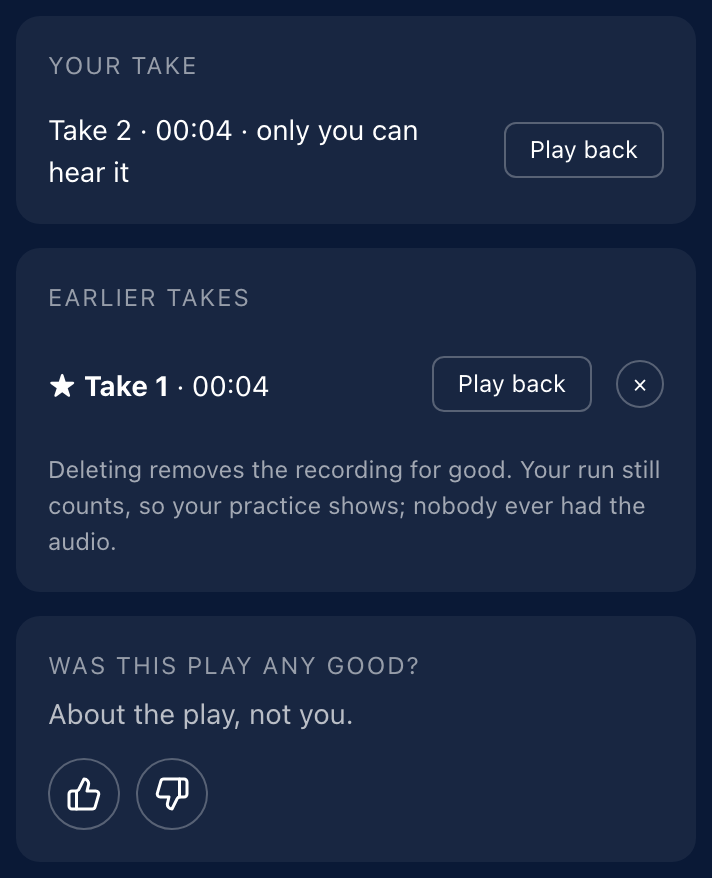
On Review, Your take shows the take you just recorded. Click Play back to hear it. Takes from earlier runs of the same play are listed under Earlier takes, each with Play back and an × to delete it (Delete take 2, for example).
Deleting removes the recording for good. Your run still counts, so your practice still shows; nobody else ever had the audio.
What can make a recording disappear early?
Because the recording lives in your browser, anything that clears the browser's storage for the portal clears it too:
- Clearing your browser's site data or cookies for the portal.
- A private or incognito window, which forgets everything when you close it.
- Recording on one device or browser and reviewing on another. Takes do not follow you.
What happens when I send a take?
Pressing Ask for coaching or Send for certification and then Send in the dialog is the only way a recording leaves your device. The dialog lists exactly what goes:
- The take's recording.
- What you want help with, and your note.
- Not your grade. The coach grades it fresh; your own ticks stay on your device for the comparison later.
A coaching request cannot be taken back once it is sent, so check the take before you press send. Deleting the take from your device afterward does not delete the copy you sent; that copy's audio is deleted 30 days after you sent it. See How do I ask a manager for coaching?.
What is kept about my practice, if not the audio?
A record that you ran a play: which play, when, how long it took, and which attempt it was. That is what your Learning managers see as practice activity. It holds no audio and nothing about how you graded yourself, and it is deleted after 24 months.
This did not answer your question? Email hello@bridgercreative.com.